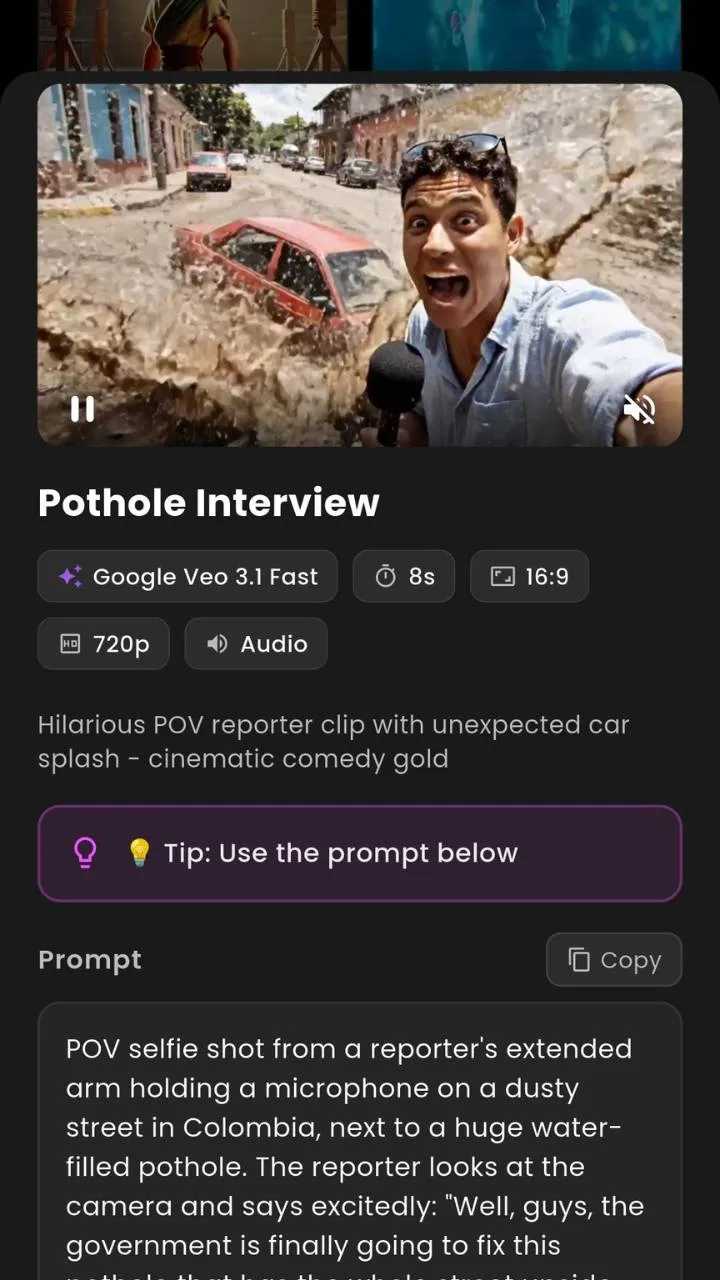
Google16:9 · 9:16
Create Google Veo 3.1 AI Videos
Detailed lighting, physics and sound for high-fidelity scenes.
- Best for
- Cinematic realism with native audio
- Input
- Text · Image
VIBE is an AI Video Generator that turns text prompts, photos, images and creative concepts into video clips. Make cinematic scenes, product videos, image animations and short-form content — no complex editing workflow required.


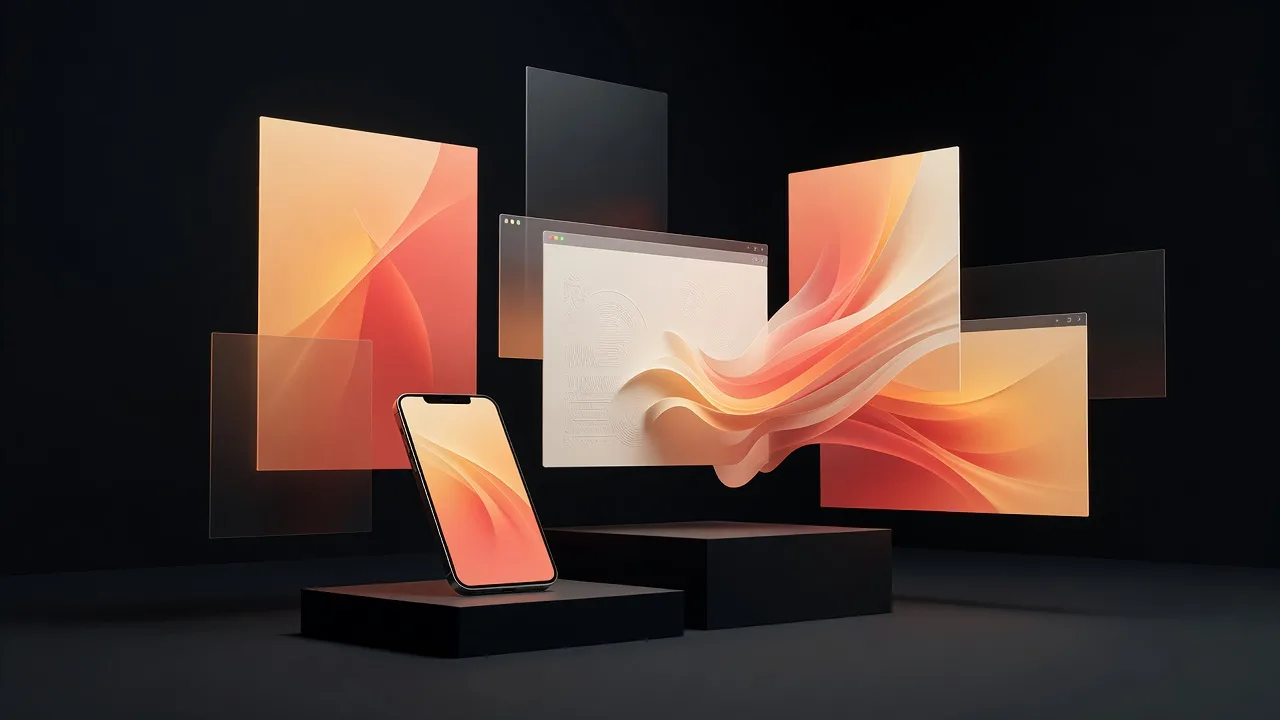
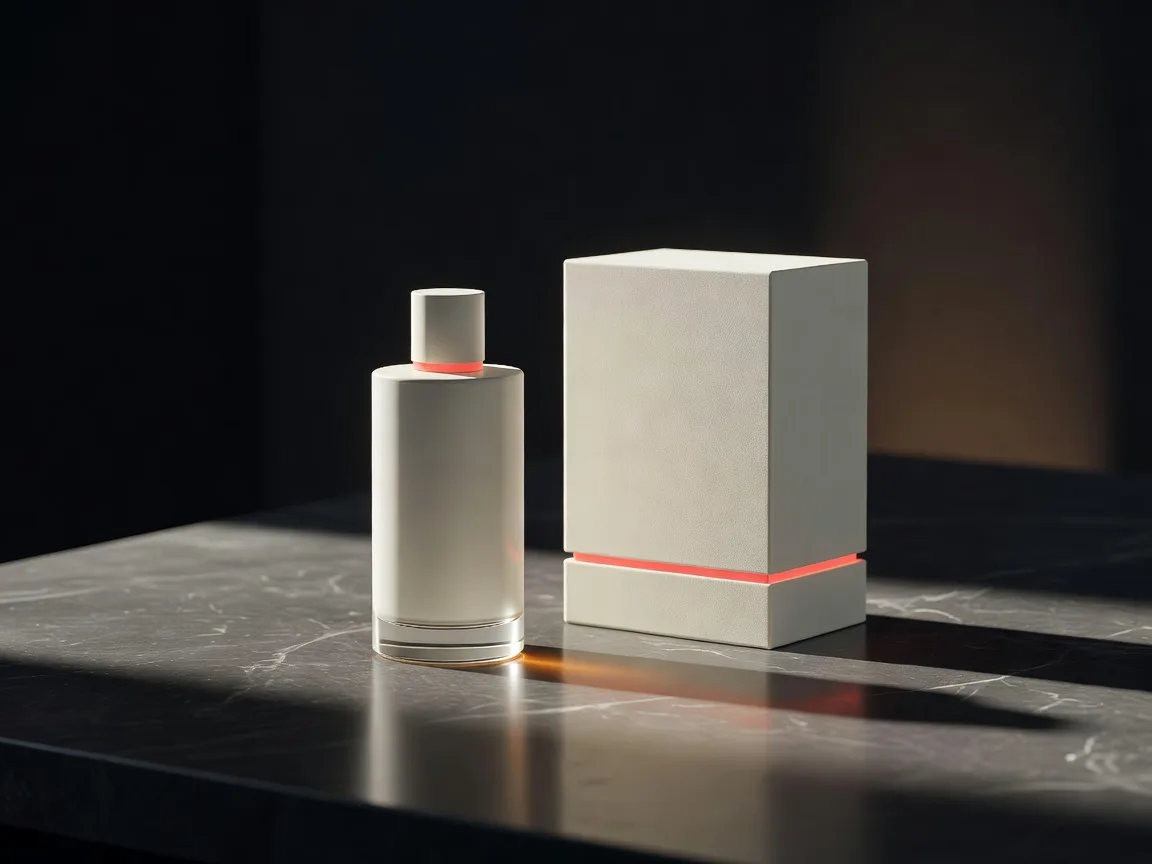
“A luxury perfume bottle on black stone, warm light moving across the surface, slow cinematic push-in.”
VIBE is an AI video generator that creates videos from text prompts, photos, uploaded images and creative ideas. You choose an available video model, describe the desired motion or scene, and generate video clips for social media, product content, AI art, marketing and creative projects.
Traditional video means filming, locations, equipment, animation, editing and real production time. VIBE gives you a faster starting point — test a visual concept straight from a prompt or an image, then refine.
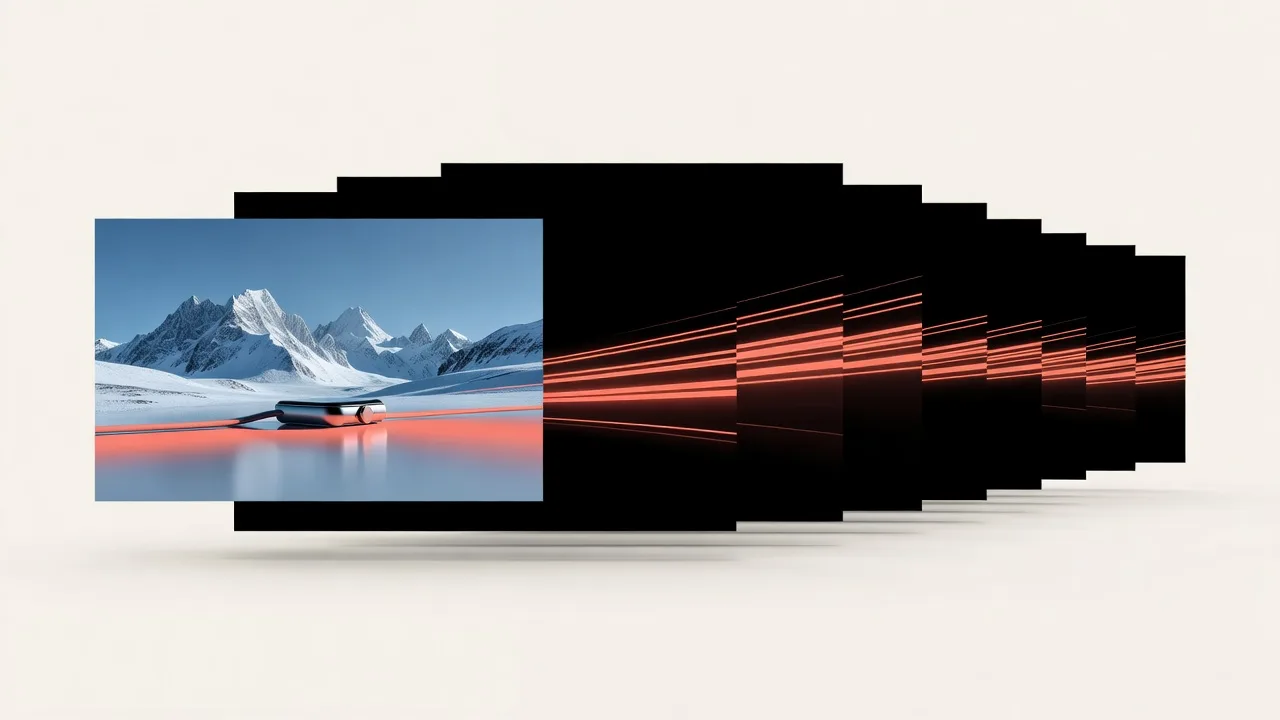
Upload an image, describe the motion, pick a model. VIBE generates a clip you can review, tweak and regenerate — a practical way to explore ideas without a production budget.
Four steps from an idea to a generated clip — whether you start with text to video AI or image to video AI.
Write a text prompt or upload a photo, product image, AI artwork, app screenshot or creative visual.
Explain how the subject, camera, environment or lighting should move.
Select an available AI video model based on your desired style, speed, quality or workflow.
Create the video, review the result, and adjust the prompt or model to explore another version.
VIBE's image to video AI can animate product photos, AI artwork, portraits, fashion images, travel shots, app visuals, illustrations and lifestyle images — upload a source image, describe the motion, and watch it move.
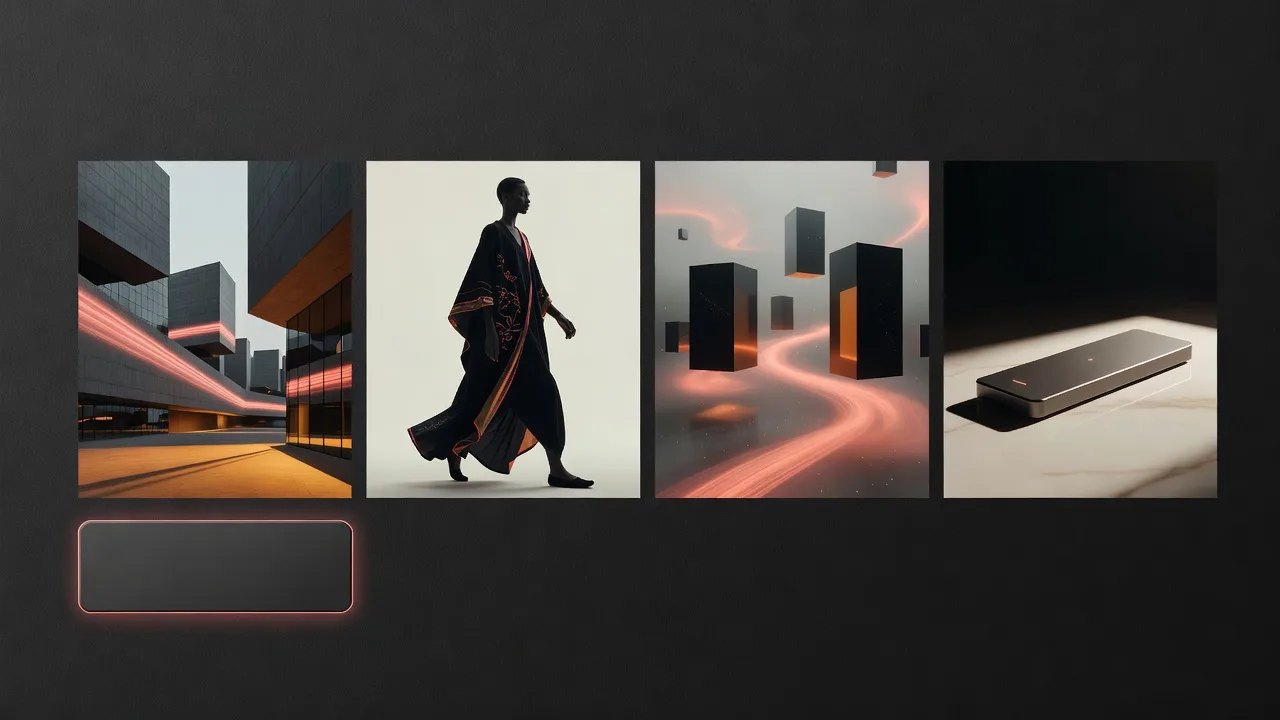
With text to video AI, describe the subject, action, environment, camera movement, mood, lighting, visual style and aspect ratio — then generate. Here are real prompts to start with:
VIBE's photo to video AI creates subtle, believable motion from a still photo — the kind of movement that makes an image feel alive without rebuilding the whole scene.
*Where supported by the selected model.
VIBE is designed to make AI video experimentation more accessible. Instead of starting every idea with filming, animation, stock footage or complex editing, you can test visual concepts from a prompt or image. Pricing, credits, model availability and generation costs may vary, so review the current options before generating.
People searching for a cheap AI video generatoroften want an accessible way to test more creative concepts while keeping production costs manageable — that's exactly the kind of workflow VIBE supports.
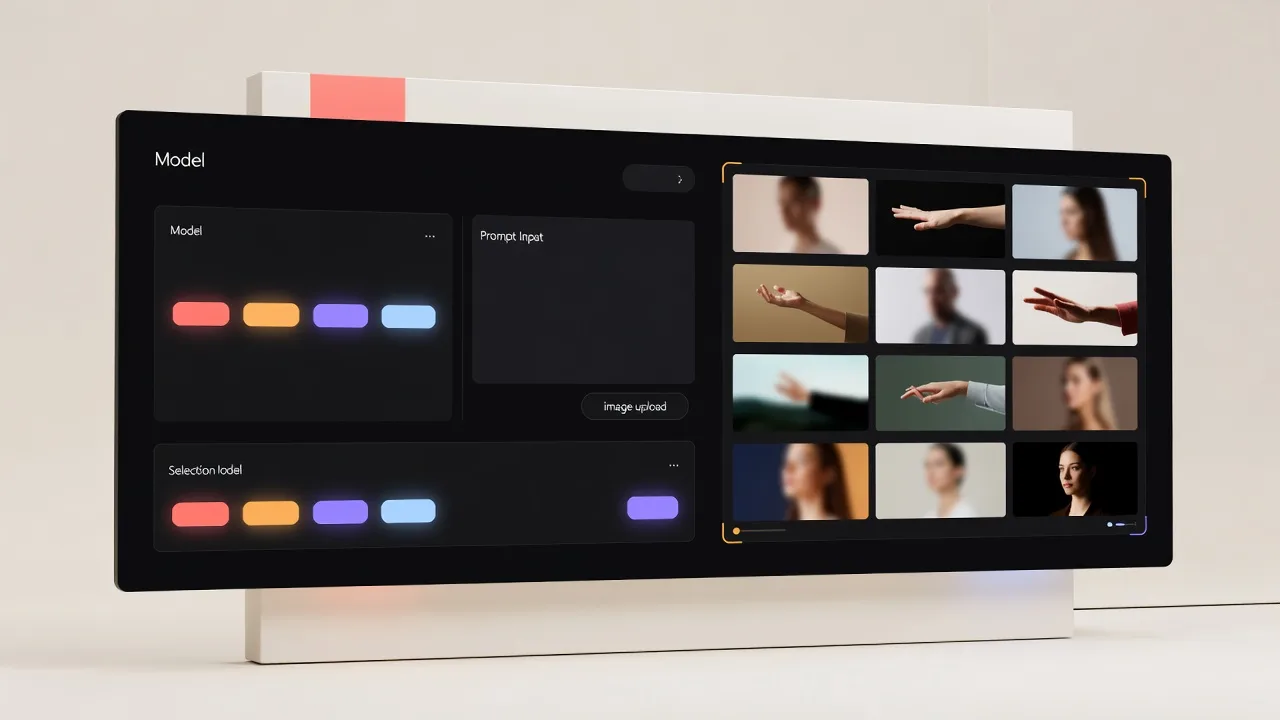
Different AI video models can produce different types of motion, visual styles, camera behaviour, speed and output quality. VIBE brings supported video-generation workflows into one creator-focused experience.
Detailed lighting, physics and sound for high-fidelity scenes.
A faster Veo 3.1 path when you want to test ideas quickly.
A lighter Veo 3.1 option for accessible generation.
Strong scene consistency for narrative-style clips.
The pro tier when you want extra detail and stability.
A stylised model for expressive, fun results.
Speed-focused generation for short clips.
Effect templates and dynamic camera moves.
Natural body and camera motion.
Rich detail for cinematic shots.
Quick turnaround with lively movement.
Great for dance, action and movement-heavy ideas.
Creative interpretation of unusual prompts.
Consistent subjects across a clip.
Tuned for balanced speed and quality.
Flowing camera work with quick generation.
Reliable all-rounder for many styles.
A solid baseline for everyday clips.
Punchy motion for short-form content.
🎛️ Available models, features, duration, resolution, audio support and pricing may change. Check VIBE for the current model selection and generation requirements. Model access may depend on platform, location, availability and product configuration.
From product clips to AI art animation, generate the style your idea needs.
“Turn this shoe photo into a dynamic eCommerce product video.”
Create This Style →
“Animate this AI artwork with atmospheric depth and subtle motion.”
Create This Style →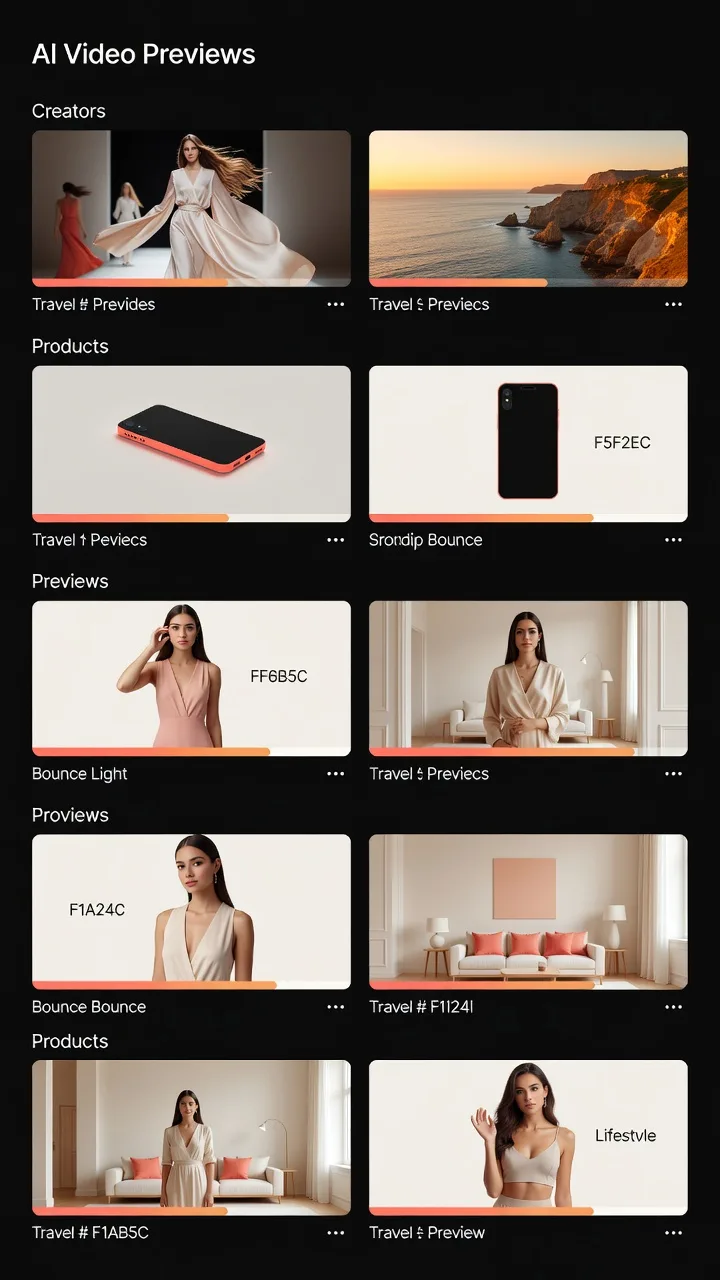
“Create a fast vertical fashion video with three cinematic camera changes.”
Create This Style →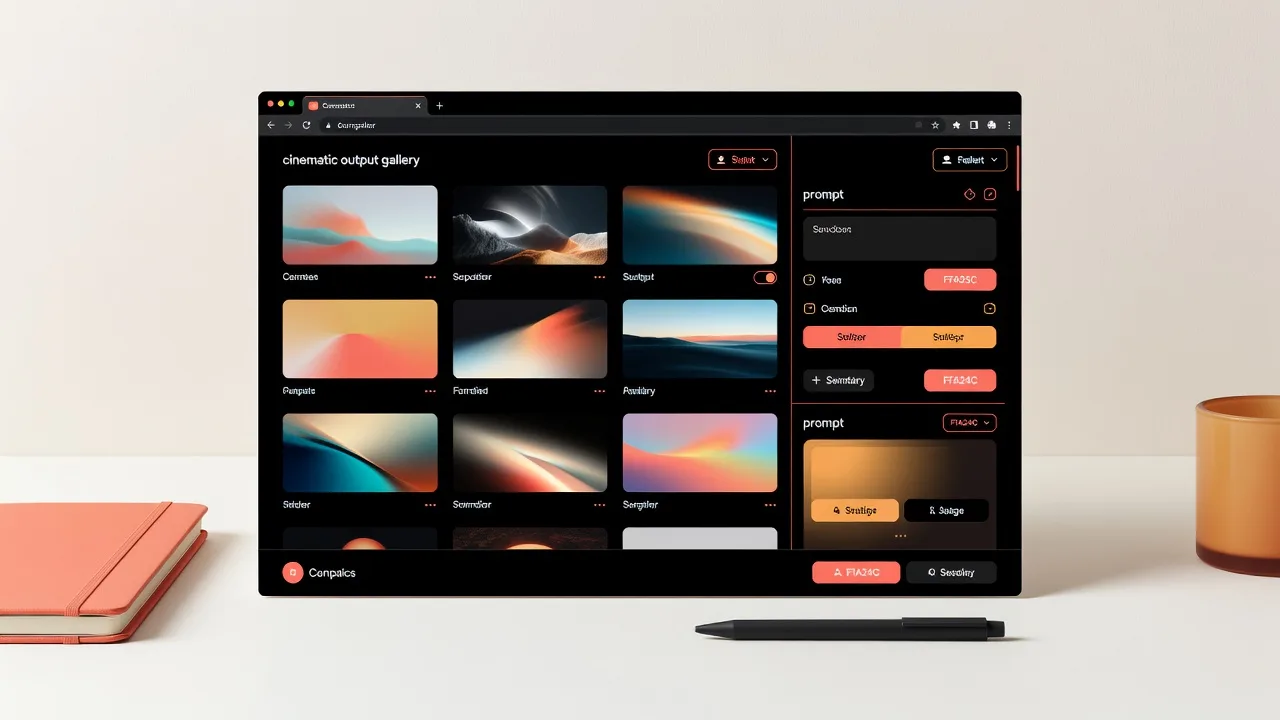
“A futuristic architectural interior with a slow camera push forward.”
Create This Style →Generate concepts for Reels, Shorts, TikTok-style content, intros and visual hooks for social storytelling.
Create campaign concepts, product visuals, launch ideas, app promotion and ad drafts — fast.
Generate product clips and creative ideas without starting with a full production setup.
Animate AI artwork, visual experiments, characters, fantasy scenes and concept art.
Transform product photos into video concepts for eCommerce and social content.
Turn screenshots, interface concepts, logos and product visuals into promo video ideas.
Copy, tweak and generate. Specific, realistic prompts usually produce better AI video results.
Real clips generated with VIBE's AI video models. Tap to play — nothing autoplays, so the page stays fast.
A cinematic showcase generated with Google Veo 3.1.
A cinematic showcase generated with Sora 2.
First-person POV of a roller coaster plunging into the mouth of an erupting volcano, spiralling through rivers of glowing lava into a sunset sky.
Cinematic drone footage of a dragon made of living fire soaring over a frozen Nordic fjord at twilight, northern lights shimmering above.
A massive alien spaceship covered in glowing blue circuits slowly rises from the East River past the Brooklyn Bridge at golden hour.
A dense, verdant jungle world made of small lego-like pieces, with a rainbow chameleon running through the 3D scene.
A penguin walks away from the camera towards a large snowy mountaintop in the distance.
A character sings and plays the piano in a warm, cinematic scene.
Generate AI videos directly from your browser and explore results on a larger screen.
Create AI video ideas, upload images and manage generations from your iPhone.
Generate and review AI video clips from your Android device.
VIBE isn't a replacement for every tool — it's the fastest way to get from an idea to a first moving draft.
| Dimension | VIBE | Traditional Editing | Manual Animation | Stock Video | Pro Production |
|---|---|---|---|---|---|
| Starting input | Text or image | Raw footage | Frames & rigs | Search library | Brief & crew |
| Speed | Minutes | Hours | Days | Minutes | Weeks |
| Production needs | None to start | Software + clips | Software + skill | Subscription | Full setup |
| Editing skills | Not required | Required | Advanced | Some | Professional |
| Image to video | Yes | Manual | Manual | No | Manual |
| Text to video | Yes | No | No | No | No |
| Mobile access | Yes | Limited | Limited | Limited | No |
| Experimentation | Fast & cheap | Slower | Slow | Limited | Costly |
| Precision control | Guided | High | Very high | Fixed | Highest |
| Best use case | Ideas & clips | Refined edits | Custom motion | Filler B-roll | Final campaigns |
VIBE is best for generating visual ideas, short clips, image animations, product concepts and creative video experiments. Traditional editing, manual animation, stock libraries, slideshow apps and professional production remain useful for detailed control, long-form storytelling, sound design, advanced compositing and final commercial campaigns.
Most AI video apps hand you one model and a desktop-only workflow. VIBE brings many models, image-to-video and text-to-video, and mobile creation into a single app — so more ideas actually make it to a finished clip.
| Feature | 🏆 VIBEWinner | Typical AI Video Apps |
|---|---|---|
| Video models | 19+ in one app — Veo 3.1, Sora 2, Kling, WAN, Hailuo and more | Often locked to a single model |
| Workflows | Image-to-video and text-to-video, side by side | Frequently just one input type |
| Create on mobile | Native iPhone and Android apps | Commonly web-only |
| Skill needed | None to start — prompt or photo and go | Editing know-how often expected |
| Short-form output | Built-in vertical 9:16 for Reels, Shorts, TikTok | Landscape-first |
| Switch models per idea | Yes — pick the best model for each clip | Usually locked in |
| Affordability | Accessible — experiment without a big production budget | Heavy monthly plans |
| Best for | Fast, flexible AI video ideas on any device | Narrower, single-purpose workflows |
The takeaway: for a flexible, mobile-first AI video generator app that lets you match the model to the idea, VIBE covers more of the workflow in one place. Features and model availability may vary — check VIBE for current details.
ChatGPT is a brilliant general assistant, and it can generate video through Sora. But when your goal is specifically creating and iterating on short video clips from photos and prompts, a purpose-built AI video generator gives you more models, more control and a mobile-first flow.
| Feature | 🏆 VIBEWinner | ChatGPT |
|---|---|---|
| Primary purpose | A dedicated AI video generator | A general-purpose AI assistant |
| Video models | 19+ specialised video models to choose from | Primarily one video model (Sora) |
| Image-to-video from your photos | A core, front-and-centre feature | Limited and not the focus |
| Mobile video app | Video-first apps for iPhone and Android | A general assistant app |
| Iterating on a clip | Swap the model, tweak the motion, regenerate | Back-and-forth in chat |
| Reels / Shorts / TikTok | Vertical output, ready to post | Not the main use case |
| Best for | Making and refining video clips | Writing, research and conversation |
They work well together: reach for ChatGPT to brainstorm, write and research — and switch to VIBE when the goal is to actually make, compare and refine AI video clips. For video creation, VIBE comes out ahead.
An AI video generator is a tool that turns inputs like text prompts or still images into short video clips. Instead of filming or animating by hand, an AI model interprets your description and generates moving frames, giving you a quick starting point for visual ideas.
You provide a source image and a short motion prompt, then pick a model. The model reads the image and your instructions and generates frames that add movement — a camera move, drifting elements or subtle animation — while trying to keep the original subject recognisable.
You describe a scene — subject, action, environment, camera and style. The AI model interprets that description and generates matching video frames. More specific, realistic prompts usually lead to clearer, more useful output.
Yes — AI can add gentle, believable motion to a still photo, such as a slow camera push, moving light or drifting background. Results depend on the photo, the model and the motion you describe, and very complex movement can look less natural.
Affordability comes from model costs, credit systems, output settings, duration and workflow efficiency. Shorter clips, lighter models and lower resolutions typically cost less, so you can test more concepts. Always check current pricing inside the app before generating.
Yes. Small businesses can use AI video to draft product concepts, social content and marketing ideas without a full production setup. It's a practical way to visualise campaigns and product presentations before investing in finished production.
Not entirely. AI generation and editing serve different purposes — generation creates clips quickly from prompts or images, while editing gives precise control over timing, sound and composition. Many creators use both together.
Sometimes — it depends on the specific model's licensing and applicable terms. Before using an AI-generated video commercially, review VIBE's terms and the relevant model licensing information to confirm what's permitted.
Clear, well-lit source images, specific and realistic motion prompts, focused scenes and simple compositions generally produce better results. Low-resolution images, cluttered backgrounds and extreme motion can make output less predictable.
Yes. Where the VIBE Web App is available, you can generate and review AI videos directly in your browser, then continue on iPhone or Android — your workflow isn't tied to a single device.
VIBE helps users create AI-generated video ideas, clips and visual concepts. Results may vary depending on the uploaded image, prompt quality, selected model, duration, style, motion settings, aspect ratio and output configuration. Users should review VIBE's terms, model licensing information and applicable platform rules before using generated videos commercially.
Users should only upload images and other content they own or have permission to use. AI-generated media should not be used for unlawful impersonation, fraud, harassment or misleading claims.
Placeholder space for verified reviews — replace with real, approved feedback before launch.
“Creatorreview placeholder — approved testimonial goes here.”
Creator · placeholder
“Small businessreview placeholder — approved testimonial goes here.”
Small business · placeholder
“AI artistreview placeholder — approved testimonial goes here.”
AI artist · placeholder
“Marketerreview placeholder — approved testimonial goes here.”
Marketer · placeholder
“Product sellerreview placeholder — approved testimonial goes here.”
Product seller · placeholder
“Mobile userreview placeholder — approved testimonial goes here.”
Mobile user · placeholder
In 2026, the best AI video generator isn't the one with a single flashy model — it's the one that lets you match the right model to each idea and finish it anywhere. On that measure, VIBE stands out: it packs 19+ video models, image-to-video and text-to-video, and a proper mobile experience into one accessible app.
Like every AI video generator, results vary by model, prompt, duration and scene complexity, and very complex shots can be inconsistent. Generation may use credits, and commercial rights depend on each model's licensing — worth checking before you publish. None of that changes the headline: for accessible, flexible, mobile-first AI video, VIBE is hard to beat.
The 2026 verdict
VIBE is one of the most flexible, beginner-friendly AI video generators you can use right now — and the easiest way to turn a photo or prompt into a video on your phone.
Everything about creating AI videos with VIBE — from image to video AI to pricing and model availability.
 VIBE
VIBEUpload an image or start with a prompt. VIBE helps you create AI-generated videos for products, social media, AI art, marketing, visual storytelling and creative experiments.
Download for iPhone & Android